Guide angle
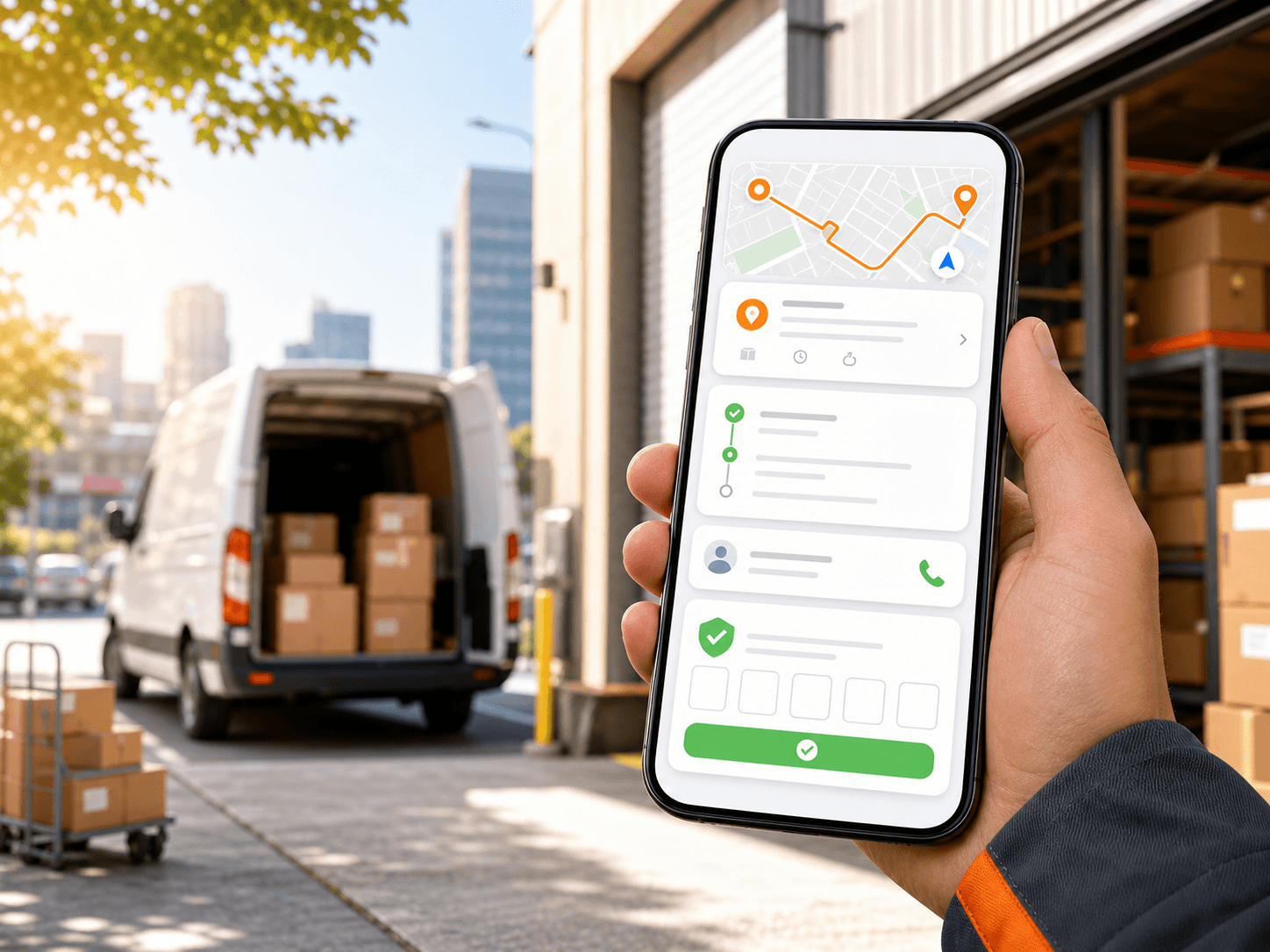
A driver delivery app helps field teams receive assigned work, understand each stop, update status, verify delivery, and give dispatchers visibility.
What to understand
Driver app essentials
- Secure login or invite flow.
- Assigned route list and mission detail view.
- Stop sequence, address, phone, notes, and navigation context.
- Status updates, proof-code verification, and delivery history.
Location and tracking
- Location can support live monitoring, but it requires driver permission.
- Tracking should be limited to active delivery work.
- Background permission can help when drivers switch to Google Maps, Waze, or another navigation app.
Rollout issues to plan for
- Driver permissions, battery settings, network coverage, route assignment mistakes, and training on proof-code flow can affect adoption.
Evaluation checklist
Where Rouptimize fits
Rouptimize connects this topic to real route planning, mission management, dispatch, driver mobile workflows, monitoring, proof-code delivery verification, reports, and route-order-credit billing. It should not be described with unsupported claims such as photo proof, customer tracking links, live traffic AI, public API pages, fake savings, or predictive analytics.
FAQ
Why does a driver app request location permission?
Location permission can support live monitoring while the driver is actively running delivery work. Background permission can help when a driver switches to a navigation app.
What can dispatchers see from the driver app?
Dispatchers can use mobile status updates and, when enabled, live location context to understand active route progress.
Turn this guide into a Rouptimize workflow
Use the related docs and tutorials when your team is ready to move from concept to exact product steps.