Guide angle
Import quality controls route quality. Clean mission files reduce dispatch delays and make optimization more reliable.
What to understand
Recommended delivery import fields
- Customer or recipient name, phone, address, latitude/longitude where available, date, time window, service duration, demand, priority, and notes.
- For pickup-delivery work, include pickup address, pickup time window, pickup duration, delivery address, delivery time window, and delivery duration.
CSV vs XLSX vs JSON
- CSV works well for simple spreadsheet exports.
- XLSX helps spreadsheet users who already manage workbooks.
- JSON is useful for structured operational exports from another system.
Review before routing
- Check incomplete rows, wrong branch/date context, missing coordinates, invalid time windows, and fields that do not match vehicle skills or capacity.
Evaluation checklist
Where Rouptimize fits
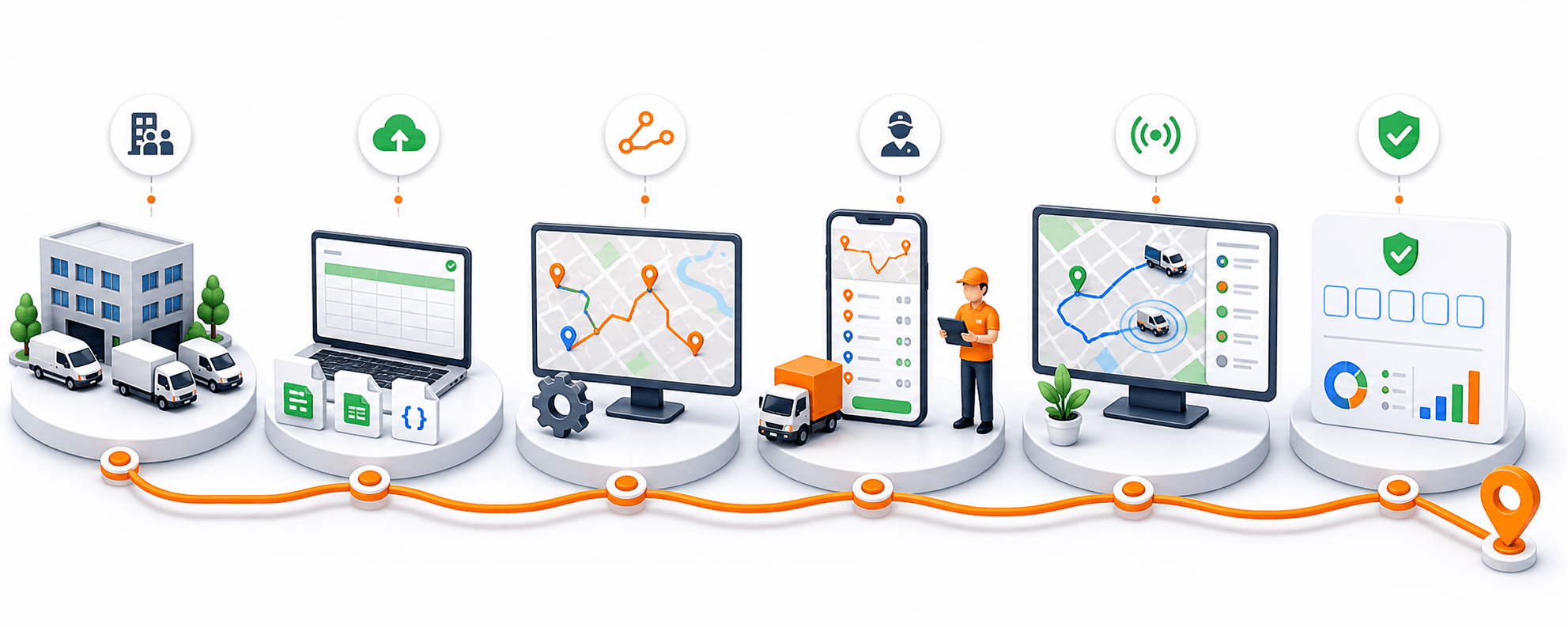
Rouptimize connects this topic to real route planning, mission management, dispatch, driver mobile workflows, monitoring, proof-code delivery verification, reports, and route-order-credit billing. It should not be described with unsupported claims such as photo proof, customer tracking links, live traffic AI, public API pages, fake savings, or predictive analytics.
FAQ
Does Rouptimize support only CSV import?
No. Rouptimize guide copy should mention CSV, XLSX, and JSON mission import.
Does importing missions use scheduled order credits?
Importing mission data prepares work for planning. Credits are used when missions or orders are newly scheduled onto routes.
Turn this guide into a Rouptimize workflow
Use the related docs and tutorials when your team is ready to move from concept to exact product steps.