Dispatchers
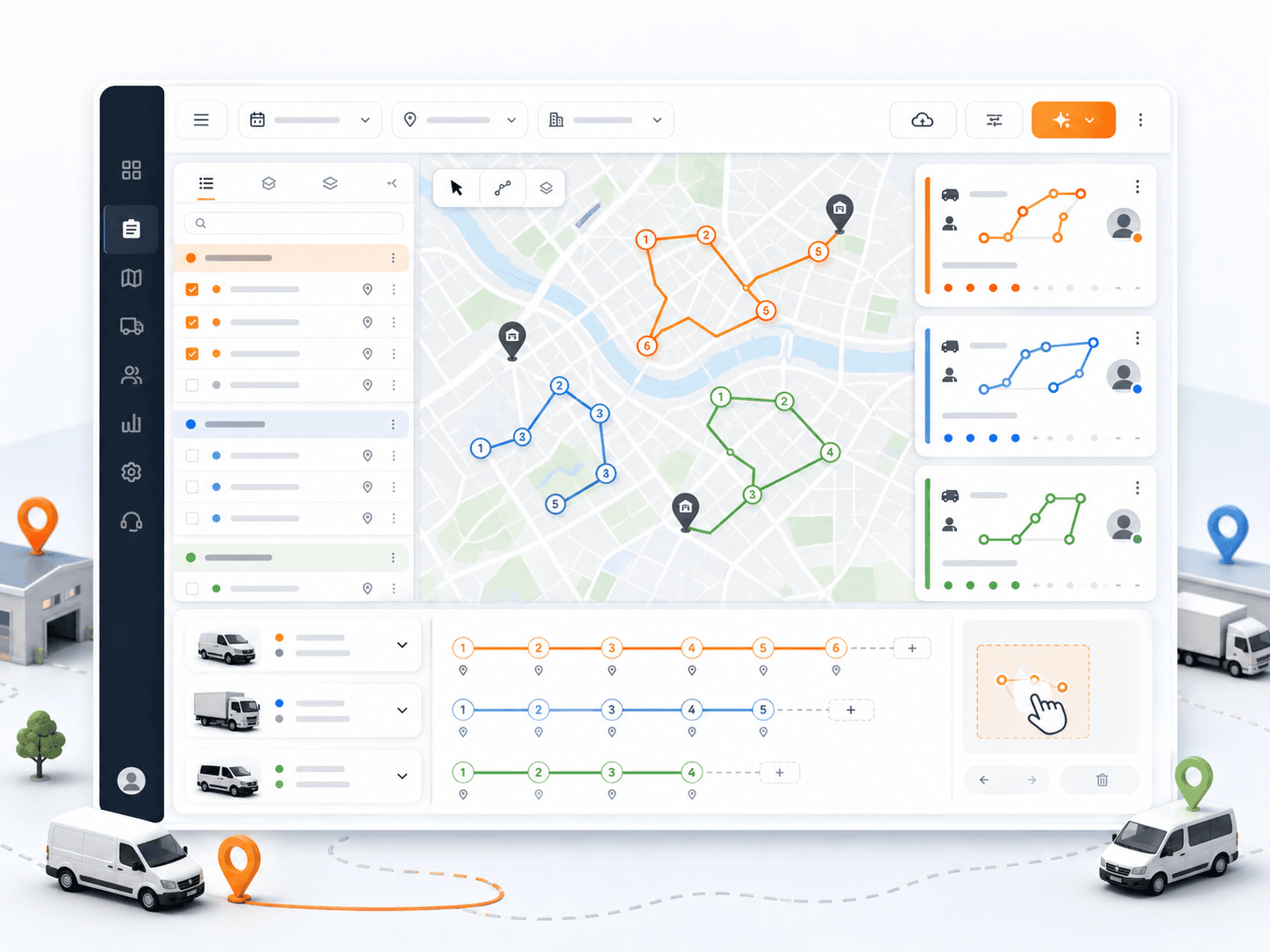
Mission management, dispatcher map, route optimization, assignment controls.
Product features
Rouptimize connects order import, route optimization, dispatch maps, driver mobile workflows, live monitoring, proof of delivery, reports, fleet setup, admin controls, billing, and support.
10
feature areas
7
workflow stages
200
starter credits
Feature overview
The hub below connects the daily operating surfaces: order import, route planning, map dispatch, driver execution, live monitoring, verified completion, reports, fleet setup, admin controls, and credits.
01
Generate multi-vehicle routes from missions, vehicles, depots, working windows, capacities, skills, and priorities while keeping dispatcher control available after the plan is created.
Explore feature
02
Create, import, edit, group, sort, assign, reassign, and export the delivery work that becomes each route.
Explore feature
03
Plan the day from a branch and date-based map with mission pins, route details, manual assignment, stop ordering, and route geometry.
Explore feature
04
Give drivers assigned routes, mission details, navigation, status updates, delivery history, and proof-of-delivery code verification.
Explore feature
05
Monitor selected drivers, vehicles, live locations, speed, last update, and today's missions while delivery routes are active.
Explore feature
06
Verify delivery completion with customer 5-digit code confirmation, proofed delivery status, attempts, expiry, and verified time.
Explore feature
07
Review delivery activity, active routes, driver performance, mission history, distance, duration, success rate, and fleet utilization.
Explore feature
08
Manage vehicles, drivers, assignments, working hours, capacities, skills, and operating costs for route planning.
Explore feature
09
Set up company details, branches, depots, users, roles, permissions, and operating access for delivery teams.
Explore feature
10
Manage scheduled order credits, Stripe checkout, purchase history, and support tickets with messages and attachments.
Explore feature
Daily dispatch workflow
Rouptimize is designed around the operating sequence delivery teams repeat every day: prepare the team, load the work, build the routes, dispatch drivers, monitor execution, verify completion, and review performance.
01
02
03
04
05
06
Role-based feature groups
Mission management, dispatcher map, route optimization, assignment controls.
Mobile route lists, mission details, navigation, status updates, proof code verification.
Reports, driver activity, route performance, fleet utilization, credit visibility.
Company setup, users, roles, permissions, branches, depots, support, and billing.
FAQ
Route optimization, mission management, dispatcher maps, driver mobile workflows, live monitoring, proof of delivery, reporting, fleet tools, admin controls, billing, and support.
Yes. Rouptimize supports mission imports from CSV, Excel XLSX, and JSON files with validation before final import.
Rouptimize uses customer 5-digit code verification for code-based proof of delivery.
Rouptimize uses scheduled order credits and starts teams with 200 scheduled order credits.
Ready to replace manual routing?
Start with 200 scheduled order credits and connect planning, dispatch, driver work, proof, reporting, and billing.