01
Create delivery and pickup-delivery missions manually.
Mission operations
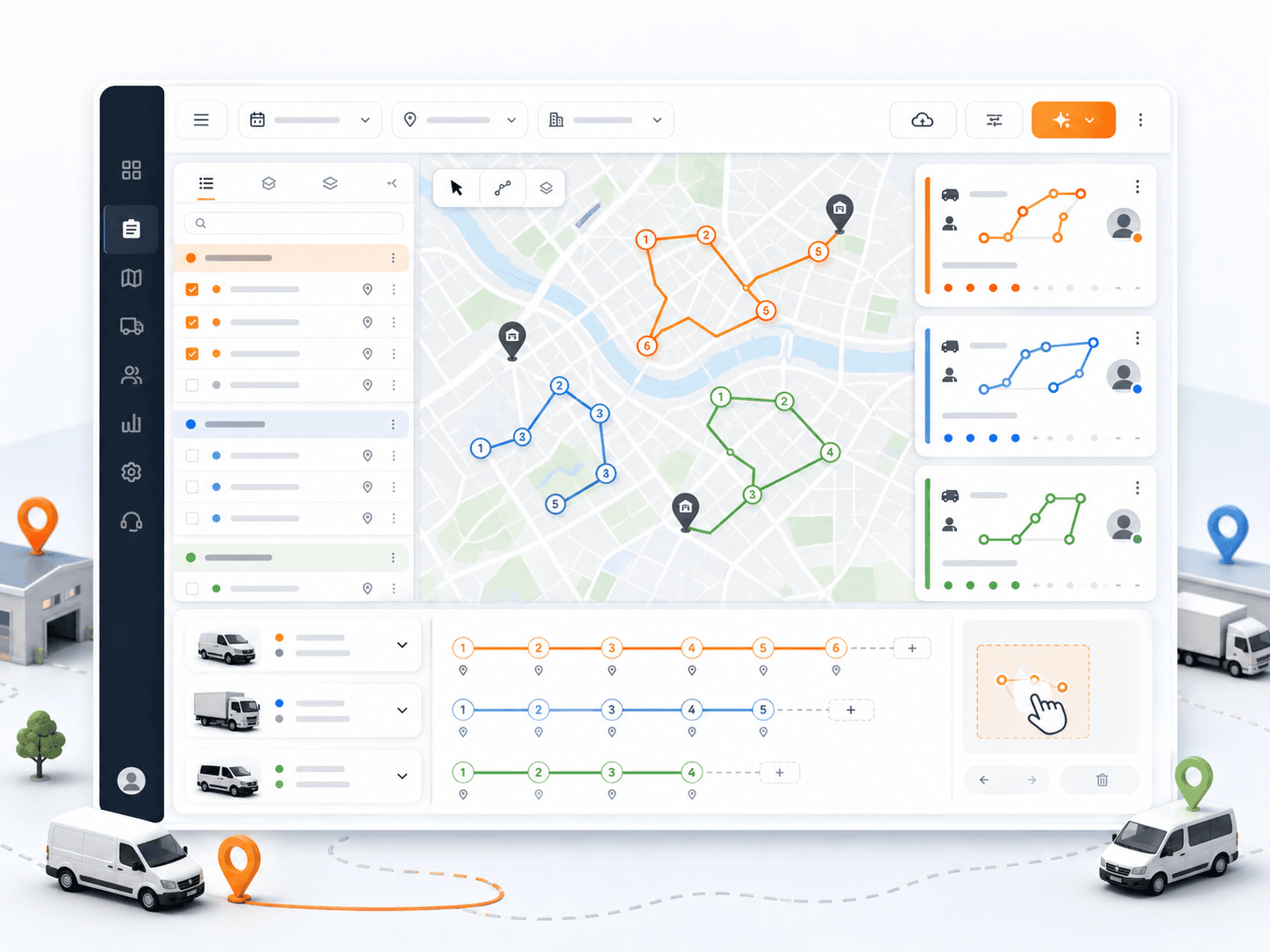
Create, import, edit, group, sort, assign, reassign, and export the delivery work that becomes each route.
Primary keyword: delivery mission management software
10
feature areas
7
workflow stages
200
starter credits
Concrete capabilities
Best for teams that receive daily order files or manually enter delivery work before routing and dispatch.
01
Create delivery and pickup-delivery missions manually.
02
Import CSV, XLSX, and JSON mission files with validation before final import.
03
Track customer, phone, address, coordinates, time window, duration, item count, weight, volume, skills, and priority fields.
04
Sort, group, assign, unassign, reassign, and export delivery missions.
05
Keep mission data connected to route planning and dispatch decisions.
How it works
Each feature page follows the same product rule: describe the real inputs, actions, and outputs dispatch teams can use.
01
Create a mission manually or prepare a CSV, XLSX, or JSON file.
02
Validate mission fields before the final import.
03
Review delivery and pickup-delivery details.
04
Group, sort, assign, or export missions as needed.
05
Send selected missions into route planning.
Related product areas
Route planning, dispatch, driver work, monitoring, proof, reports, fleet setup, and billing work best when they are connected.
Generate multi-vehicle routes from missions, vehicles, depots, working windows, capacities, skills, and priorities while keeping dispatcher control available after the plan is created.
Open feature
Plan the day from a branch and date-based map with mission pins, route details, manual assignment, stop ordering, and route geometry.
Open feature
Give drivers assigned routes, mission details, navigation, status updates, delivery history, and proof-of-delivery code verification.
Open feature
Docs and tutorials
FAQ
Yes. Rouptimize supports CSV, Excel XLSX, and JSON mission imports with validation before the final import.
Yes. Missions can be delivery-only or pickup-delivery with pickup address, pickup coordinates, pickup duration, and pickup time window details.
Yes. Dispatchers can edit mission details and keep the work connected to route planning and assignment workflows.
Ready to replace manual routing?
Start with 200 scheduled order credits and connect planning, dispatch, driver work, proof, reporting, and billing.