01
Select missions and active vehicles for the operating day.
Route planning
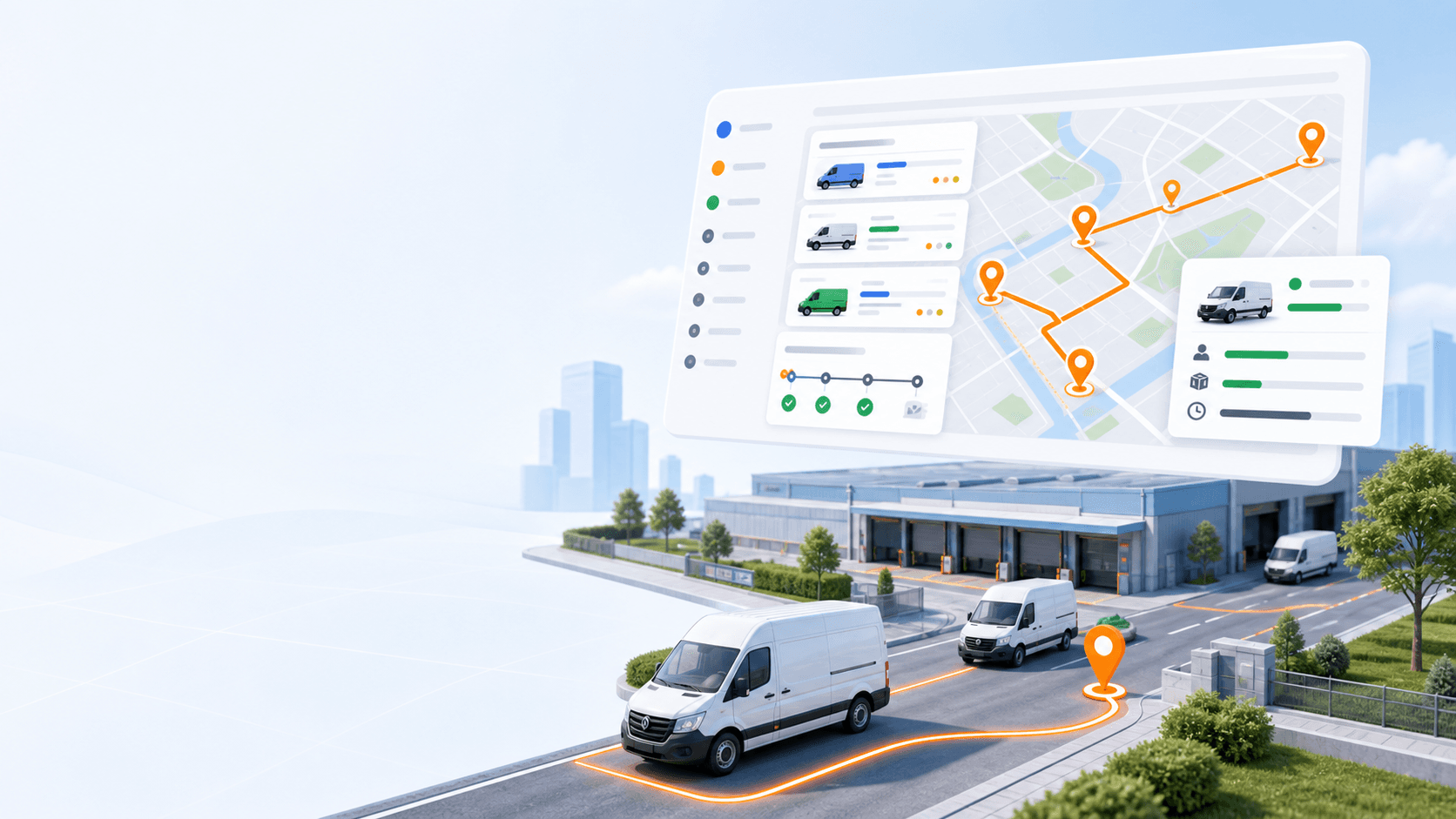
Generate multi-vehicle routes from missions, vehicles, depots, working windows, capacities, skills, and priorities while keeping dispatcher control available after the plan is created.
Primary keyword: route optimization software
10
feature areas
7
workflow stages
200
starter credits
Concrete capabilities
Best for dispatchers planning daily routes across multiple vehicles while balancing delivery windows, capacity, depot options, skills, and manual route control.
01
Select missions and active vehicles for the operating day.
02
Use delivery and pickup-delivery details, service duration, time windows, item count, weight, volume, required skills, and priority.
03
Add optional start and end depots before generating routes.
04
Keep unassigned missions visible so dispatchers can review exceptions.
05
Adjust vehicle assignments, route stops, or mission placement after optimization.
How it works
Each feature page follows the same product rule: describe the real inputs, actions, and outputs dispatch teams can use.
01
Choose the branch and dispatch date.
02
Select the missions that should be routed.
03
Select available vehicles and working window details.
04
Add optional start and end depot settings.
05
Generate routes, review exceptions, and dispatch the final plan.
Related product areas
Route planning, dispatch, driver work, monitoring, proof, reports, fleet setup, and billing work best when they are connected.
Create, import, edit, group, sort, assign, reassign, and export the delivery work that becomes each route.
Open feature
Plan the day from a branch and date-based map with mission pins, route details, manual assignment, stop ordering, and route geometry.
Open feature
Manage vehicles, drivers, assignments, working hours, capacities, skills, and operating costs for route planning.
Open feature
Review delivery activity, active routes, driver performance, mission history, distance, duration, success rate, and fleet utilization.
Open feature
Docs and tutorials
FAQ
Rouptimize can use mission locations, service duration, time windows, item count, weight, volume, priority, required skills, selected vehicles, vehicle capacity, vehicle skills, working windows, and depot options.
Yes. Dispatchers can review route details, assign vehicles and drivers, move missions, and reorder stops when the day changes.
Missions that cannot be assigned by the optimization result stay visible so dispatchers can review and resolve them manually.
Ready to replace manual routing?
Start with 200 scheduled order credits and connect planning, dispatch, driver work, proof, reporting, and billing.