01
Invite drivers and give them mobile access.
Driver workflow
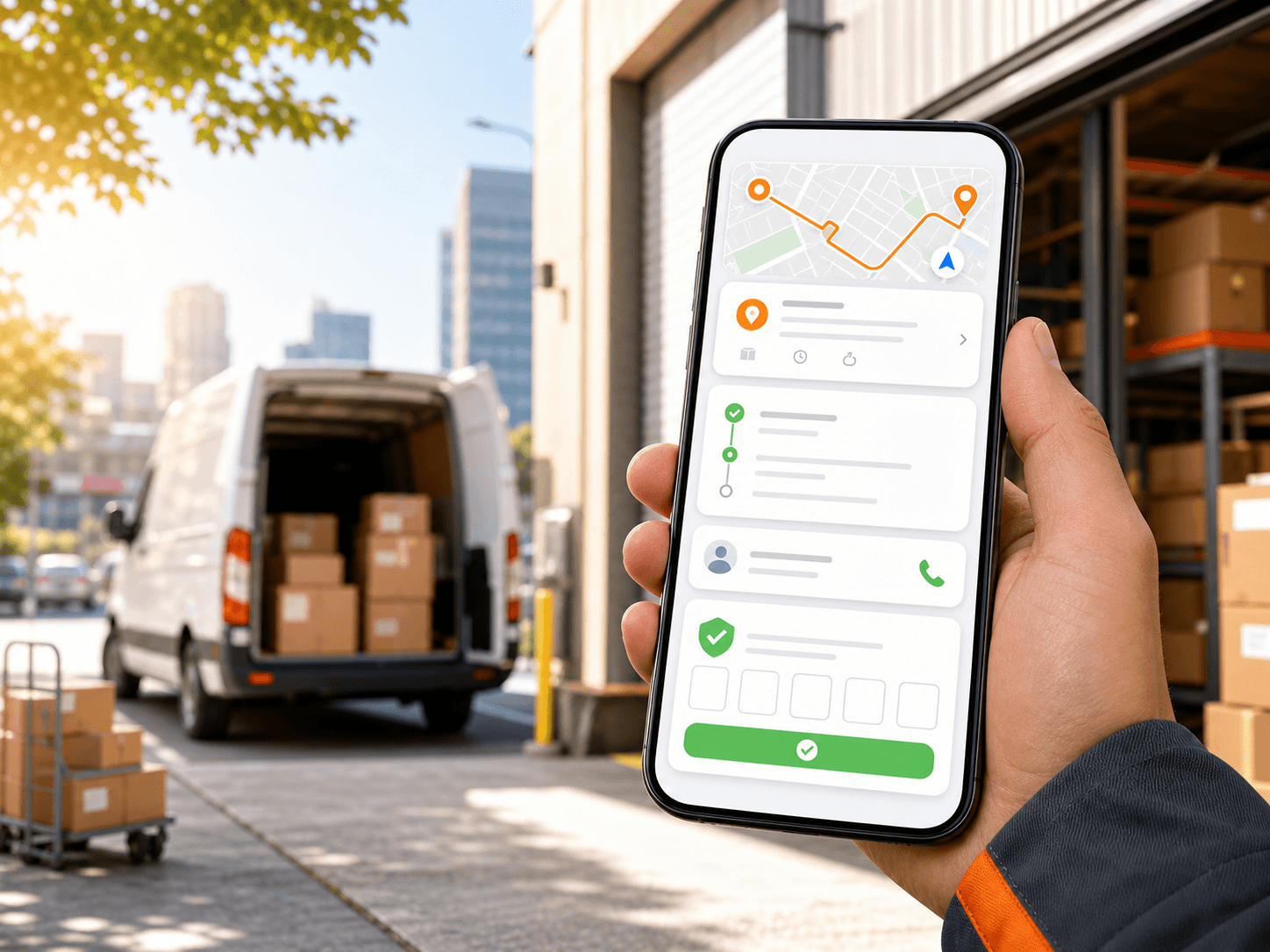
Give drivers assigned routes, mission details, navigation, status updates, delivery history, and proof-of-delivery code verification.
Primary keyword: driver delivery app
10
feature areas
7
workflow stages
200
starter credits
Concrete capabilities
Best for teams that need driver execution tied directly to dispatcher assignments, delivery status, and proof records.
01
Invite drivers and give them mobile access.
02
Show assigned route and mission lists.
03
Display mission details such as address, phone, time window, duration, and status.
04
Let drivers update mission status during delivery work.
05
Support delivery history and customer code verification when proof is required.
How it works
Each feature page follows the same product rule: describe the real inputs, actions, and outputs dispatch teams can use.
01
Invite the driver to the mobile app.
02
Assign route work from the dispatcher panel.
03
Drivers open assigned routes and mission details.
04
Drivers navigate, update status, and review delivery history.
05
Drivers verify customer codes when proof is required.
Related product areas
Route planning, dispatch, driver work, monitoring, proof, reports, fleet setup, and billing work best when they are connected.
Plan the day from a branch and date-based map with mission pins, route details, manual assignment, stop ordering, and route geometry.
Open feature
Monitor selected drivers, vehicles, live locations, speed, last update, and today's missions while delivery routes are active.
Open feature
Verify delivery completion with customer 5-digit code confirmation, proofed delivery status, attempts, expiry, and verified time.
Open feature
Docs and tutorials
FAQ
Yes. Drivers use the mobile app to view assigned routes and missions, navigate, update status, review history, and verify proof-of-delivery codes.
Dispatchers assign route work to drivers, and drivers can view their assigned routes and mission details in the mobile app.
Yes. When proof is required, drivers can verify the customer delivery code in the mobile workflow.
Ready to replace manual routing?
Start with 200 scheduled order credits and connect planning, dispatch, driver work, proof, reporting, and billing.