Fast-moving delivery lists
Solution
Courierrouteplanningfordispatchteams
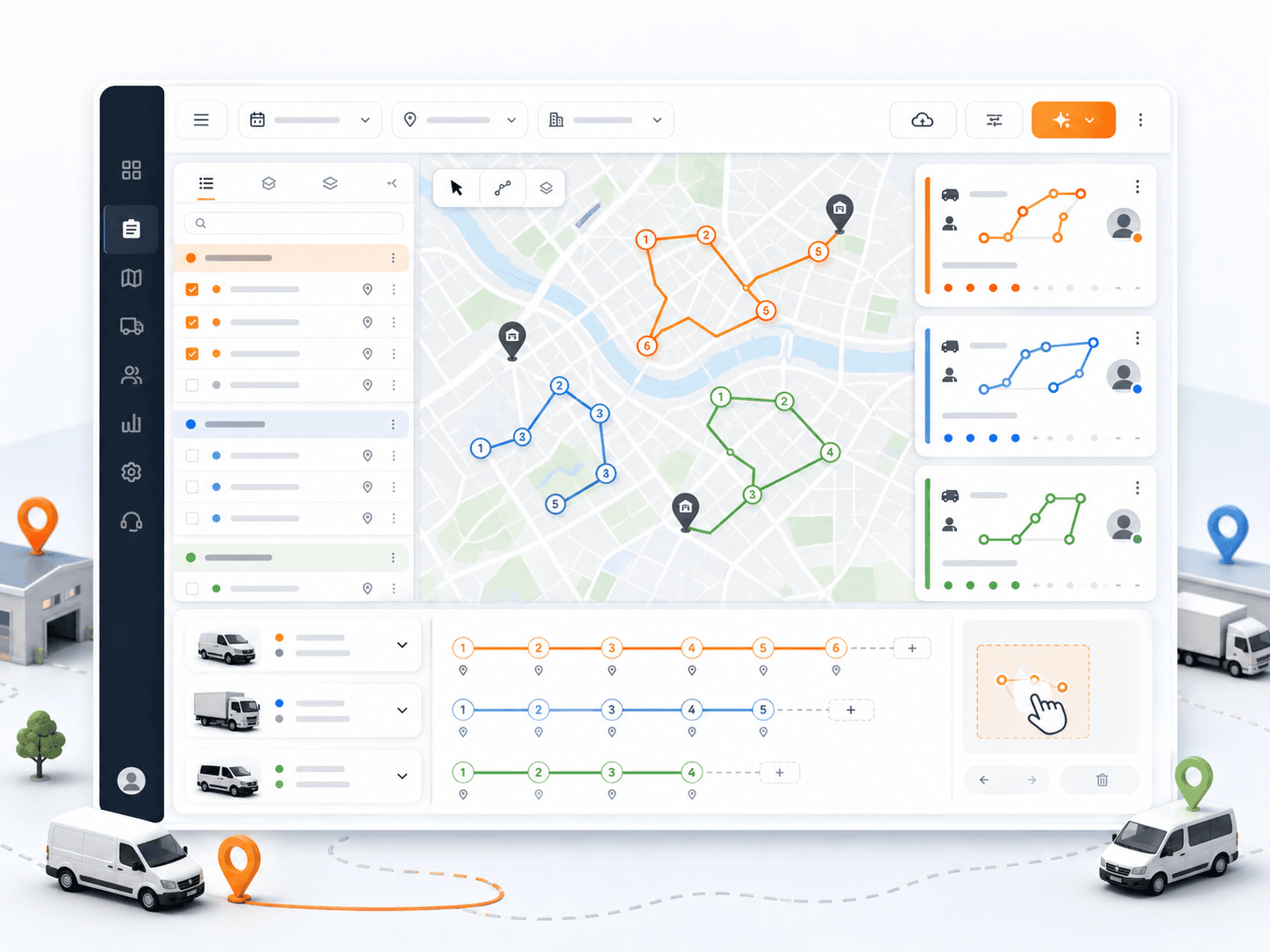
Courier teams can import stop lists, validate mission data, optimize routes by selected vehicles, dispatch drivers, track status updates, and review delivery history.
Primary keyword: courier route planning software
6
solution paths
7
workflow stages
200
starter credits
Operational fit
The planning friction this page is built around
Courier dispatch can move quickly, and separate files, maps, and status messages make it hard to keep work current. Rouptimize gives dispatchers one operational surface.
Many addresses and driver assignments
Current status visibility
Completed delivery records
01
Import courier stop lists.
02
Validate mission data.
03
Optimize routes by selected vehicles.
04
Assign drivers and dispatch.
05
Drivers update mission status from the mobile app.
06
Dispatchers monitor progress.
07
Review delivery history and driver performance.
Relevant features
Product areas that matter most for this solution
Operational details
The product context to highlight
Bulk mission import
Route plans by selected vehicle
Driver assignment and mobile updates
Live monitoring for active work
Delivery history and driver performance review
Docs, tutorials, and related solutions
Keep exploring from this use case
FAQ
Questions about this solution
Can courier teams import large stop lists?+
Yes. Rouptimize supports mission import from CSV, Excel XLSX, and JSON files with validation before final import.
Can couriers update delivery status from mobile?+
Yes. Drivers can use the mobile app to view assigned missions and update status during route execution.
Ready to match routes to your operation?
Build courier route planning for dispatch teams with connected dispatch
Start with 200 scheduled order credits and see how Rouptimize fits your routes, drivers, branches, and proof requirements.