Plan around real constraints
Use delivery and pickup-delivery missions, time windows, stop duration, depots, capacity, working windows, skills, and priority.
Rouptimize delivery operations platform
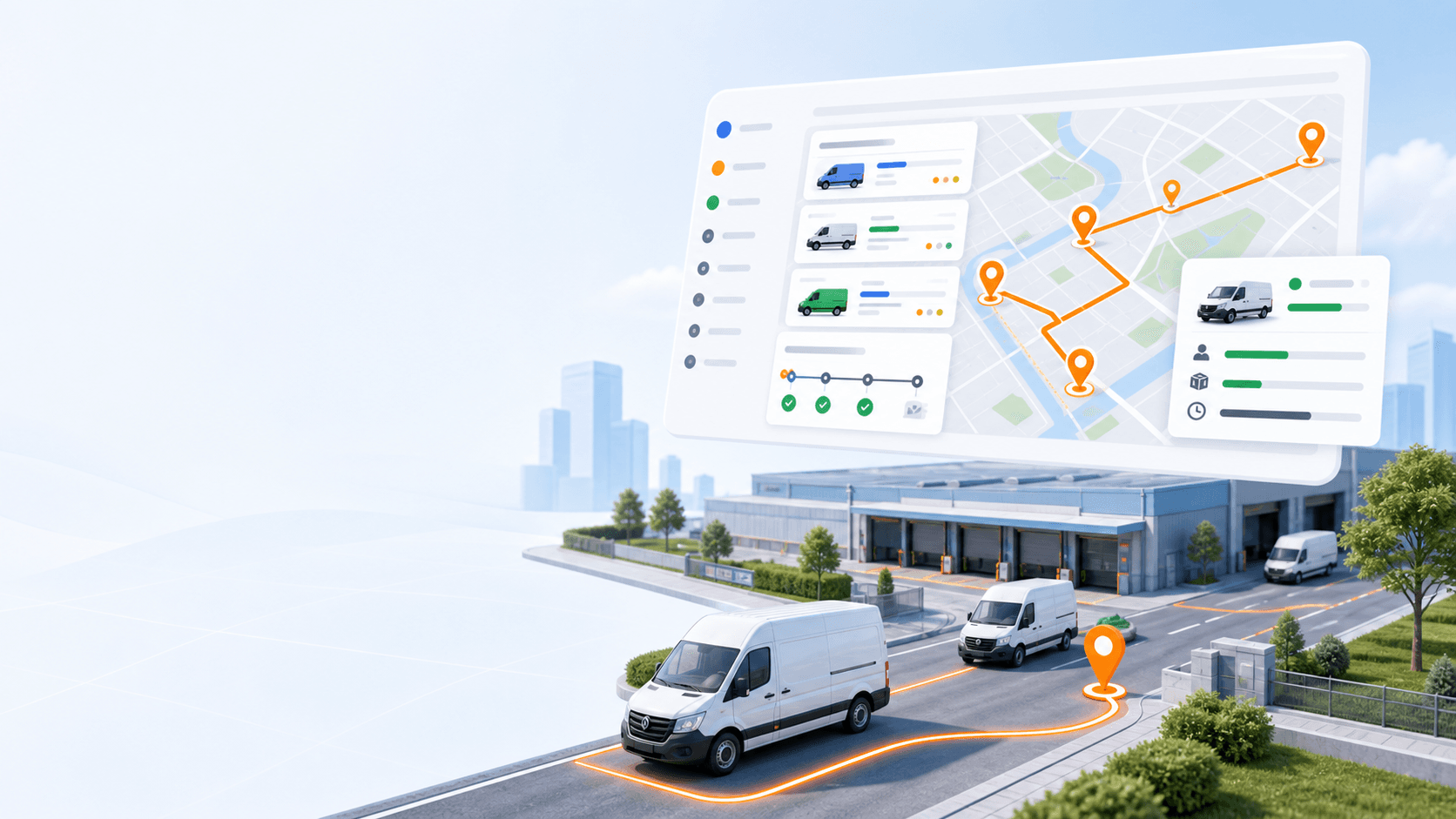
Rouptimize helps delivery teams import orders, optimize routes, assign drivers and vehicles, monitor active work, verify proof of delivery, and track performance from one connected web panel and mobile app.
Start with 200 scheduled order credits. Web dispatcher, driver mobile app, route optimization, reporting, and support are included.
200
scheduled order credits
CSV
XLSX, JSON imports
Web
plus mobile app
Built for real delivery operations
Dispatch teams need more than a map. Rouptimize connects mission management, route planning, fleet constraints, driver execution, proof-of-delivery verification, and reporting so each team can plan the day and keep it moving.
Use delivery and pickup-delivery missions, time windows, stop duration, depots, capacity, working windows, skills, and priority.
Assign vehicles and drivers, review route details, adjust stop order, and keep route work tied to the correct team.
Drivers update mission status in the mobile app while dispatchers monitor today's assigned work and completed delivery states.
Code-based proof of delivery helps teams confirm completed deliveries without implying unsupported proof capture methods.
How Rouptimize works
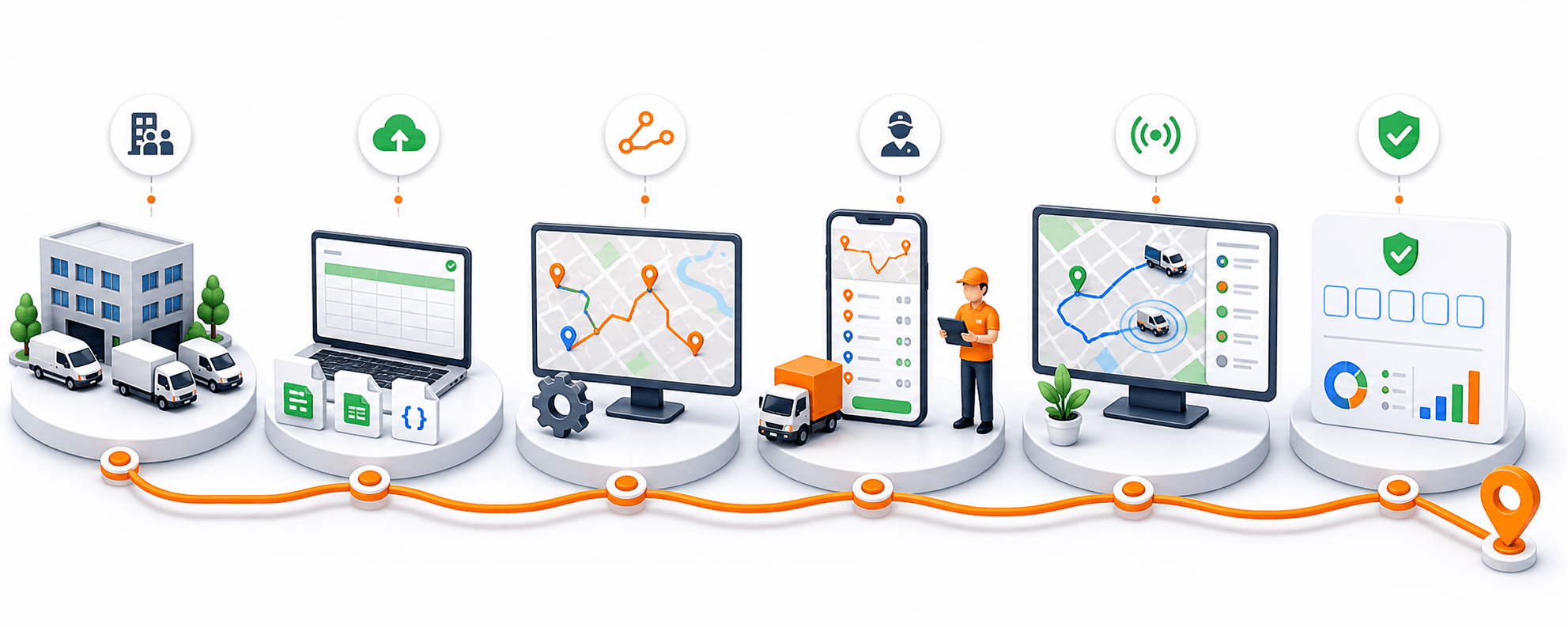
Rouptimize is designed around the daily dispatch loop: prepare your fleet, load the day's missions, generate routes, send work to drivers, monitor execution, then review the results.
01
Create the operating structure for each branch, define depot locations, add vehicles, invite drivers, and manage user roles.
02
Add delivery and pickup-delivery work manually, or import mission files in CSV, Excel XLSX, or JSON format.
03
Select missions and active vehicles, set the working window, choose optional depots, and generate route plans.
04
Assign vehicles and drivers, review stop order, make manual adjustments, and dispatch route work to the driver app.
05
Watch selected drivers and vehicles on the monitoring map, inspect today's missions, and keep decisions current.
06
Confirm proof codes, review mission history, and track delivery, route, driver, and fleet performance.
Product surfaces
Dispatchers, drivers, operators, and admins work from connected views instead of separate spreadsheets, chat threads, and manual map edits.
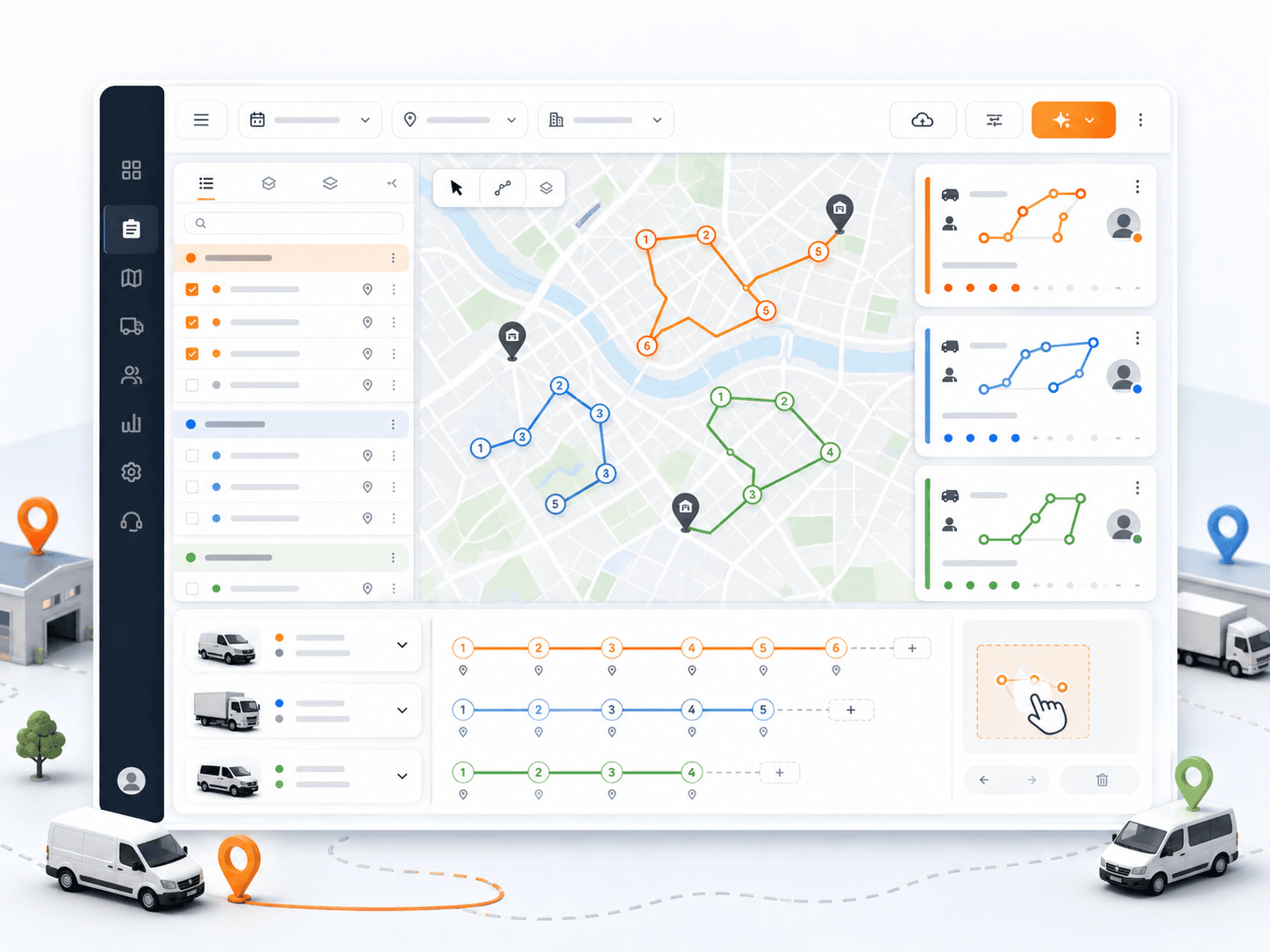
01 / Dispatcher web panel
Bring missions, routes, branches, dates, depots, vehicles, drivers, and map context into one operational workspace.
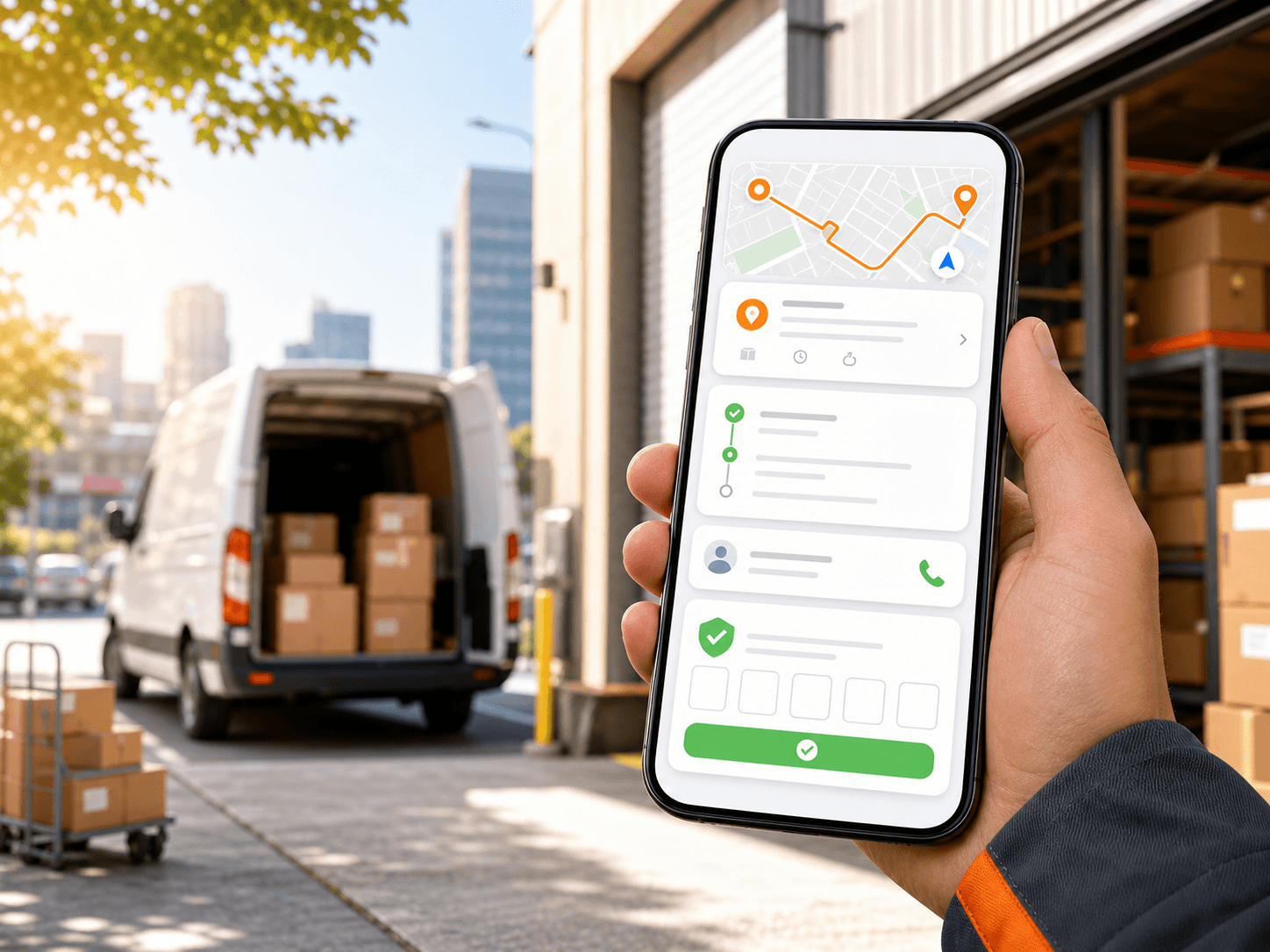
02 / Driver mobile app
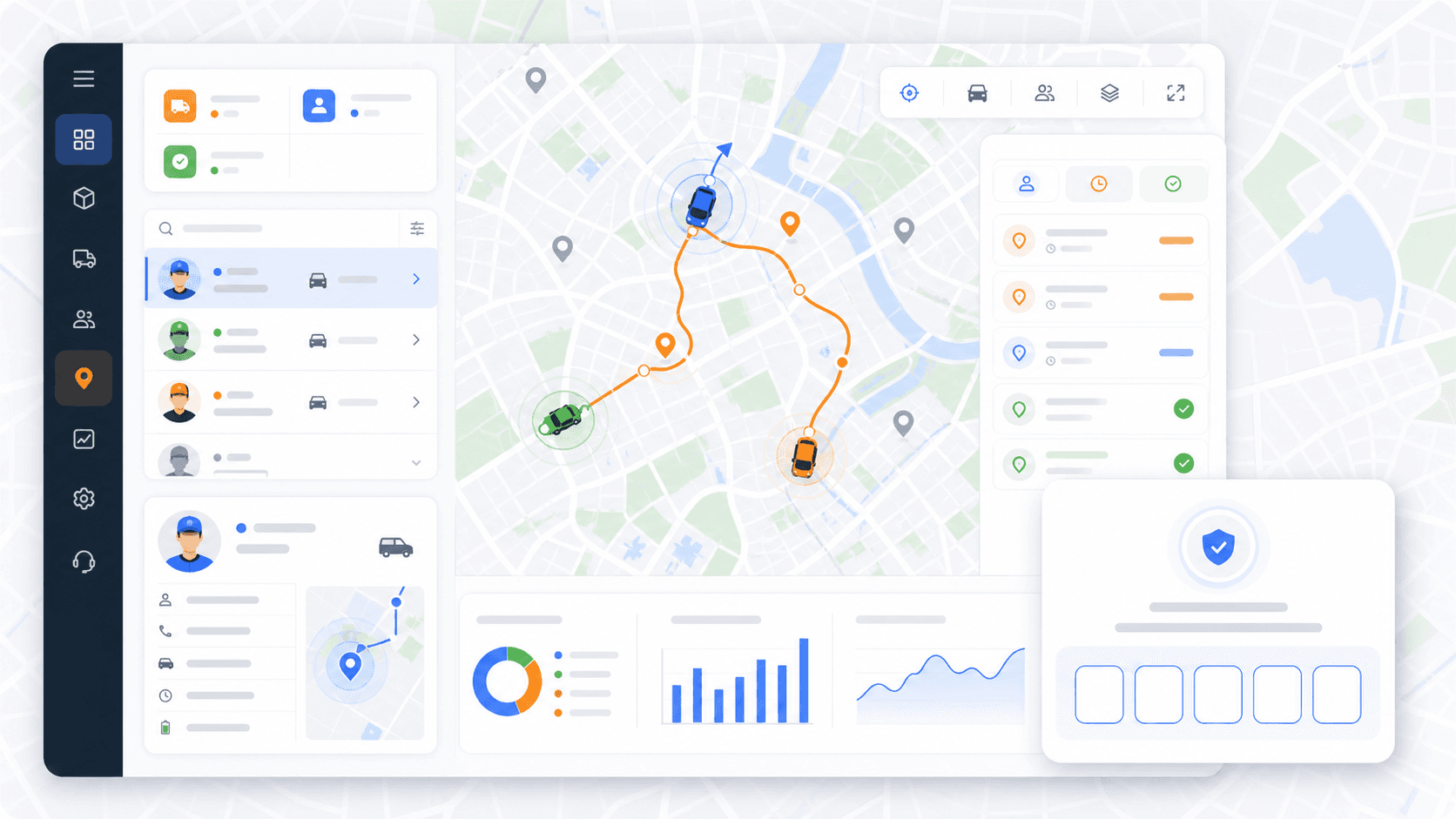
Drivers see assigned routes and missions, open details, navigate to stops, update status, review history, and verify proof codes.
03 / Live monitoring and proof
Follow selected drivers and vehicles, inspect live location details, and move verified deliveries into a proofed state.
04 / Reports and order credits
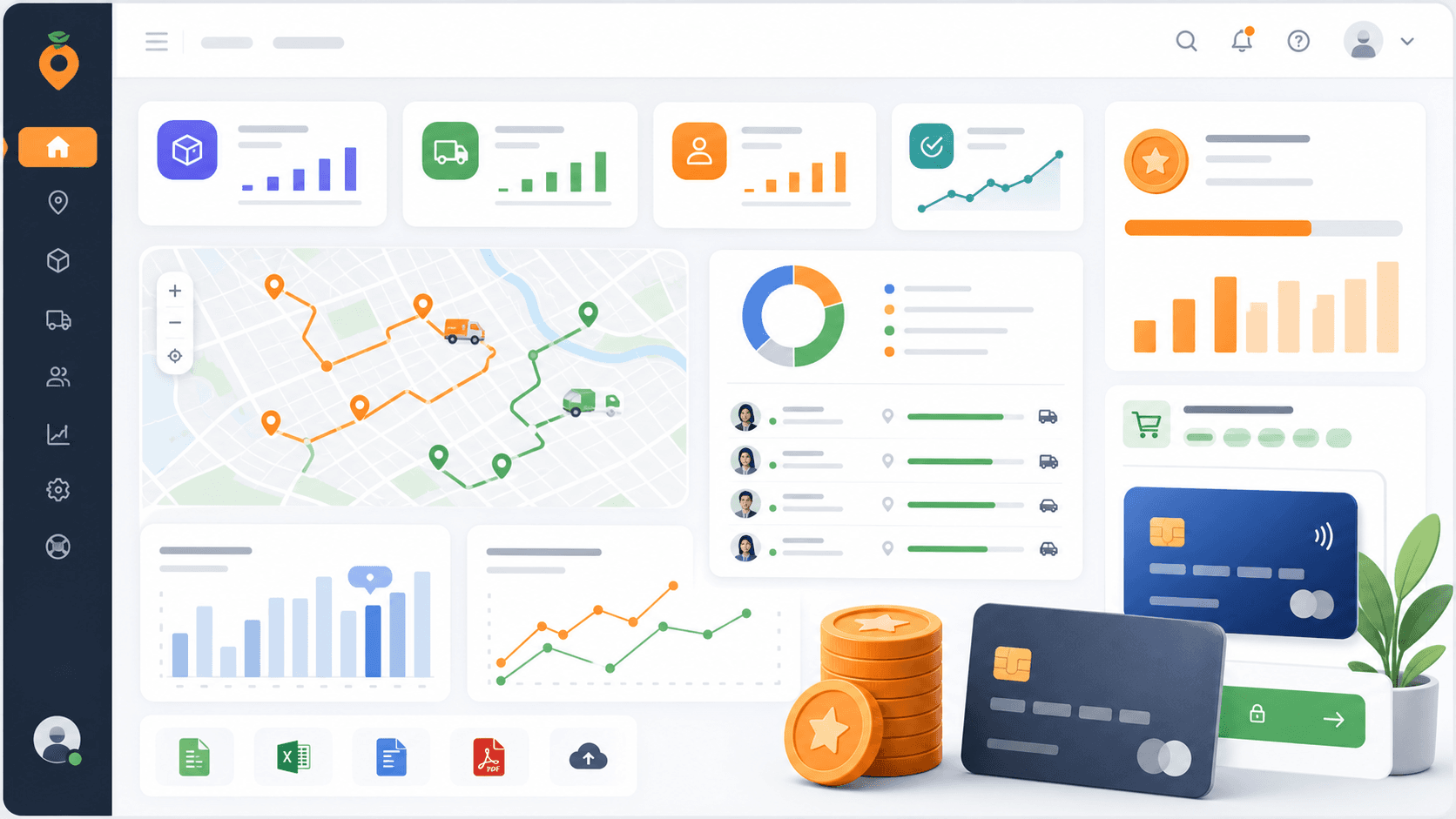
Review delivery activity, route performance, driver activity, fleet utilization, distance, duration, success rate, and credit purchases.
Optimization that respects the work
Rouptimize's optimization flow is built around the constraints dispatchers actually manage. Select missions, choose active vehicles, set the working window, add optional start and end depots, and generate route plans that preserve operational details.
Delivery and pickup details, service duration, time windows, item count, weight, volume, skills, and priority.
Active vehicle selection, capacity, working hours, skills, costs, depots, and maximum tasks where configured.
Use generated routes as the plan, then adjust assignments, route stops, or mission placement when the day changes.
If missions cannot be assigned by optimization, keep them visible so dispatchers can review and resolve them.
Rouptimize supports manual mission creation and bulk mission import, so dispatchers can move from order data to route planning quickly.
Live monitoring and proof of delivery
Rouptimize monitoring helps dispatchers follow selected drivers and vehicles, inspect live location details, and see today's assigned missions on the map. When proof of delivery is required, the driver verifies the customer code and the mission moves into the proofed delivery state.
Simple route-order-credit billing
Start with 200 scheduled order credits, then buy more monthly order credits as your volume grows.
200
Starter scheduled order credits
1,000
Paid self-serve monthly credits start here
50,000
Scheduled orders per month supported by plans
Stripe
Checkout and purchase history
Operations setup
Rouptimize includes the setup tools delivery teams need before routes can run well.
Who Rouptimize is for
Rouptimize fits growing teams that coordinate daily delivery work across dispatchers, drivers, vehicles, branches, and customer stops.
Plan daily order routes, dispatch drivers, and monitor delivery execution.
Import large stop lists, optimize routes by vehicle, and track completion status.
Move from order files to route plans with import validation and route-order-credit billing.
Use time windows, stop duration, capacity, and skills to keep assignments practical.
Organize dispatch by branch, date, depot, fleet, and driver assignment.
Schedule location-based tasks with service duration, priority, skills, and driver visibility.
FAQ
Short answers for route planning, imports, driver work, proof, monitoring, and credit billing.
Rouptimize is delivery route optimization and dispatch software for teams that manage missions, routes, drivers, vehicles, live monitoring, proof of delivery, reporting, and scheduled order credits.
A scheduled order credit covers an order or mission when it is scheduled onto a route. Rouptimize starts teams with 200 scheduled order credits, and paid self-serve purchases start at 1,000 monthly order credits.
Yes. Rouptimize supports mission imports from CSV, Excel XLSX, and JSON files. Import validation checks the file before the final import.
Rouptimize can use mission locations, pickup and delivery details, service duration, time windows, item count, weight, volume, priority, required skills, selected vehicles, vehicle capacity, vehicle skills, working windows, and depots.
Yes. Drivers use the mobile app to view assigned routes and missions, navigate, update mission status, review history, and verify proof-of-delivery codes.
Rouptimize uses customer code verification for proof of delivery. The product should be described as code-based proof.
Rouptimize uses scheduled order credits. Company admins can buy credits through Stripe checkout, view purchase history, and manage usage from Financial settings.
Ready to replace manual routing?
Start with 200 scheduled order credits and see how Rouptimize keeps daily delivery operations visible from planning to proof.