Guide angle
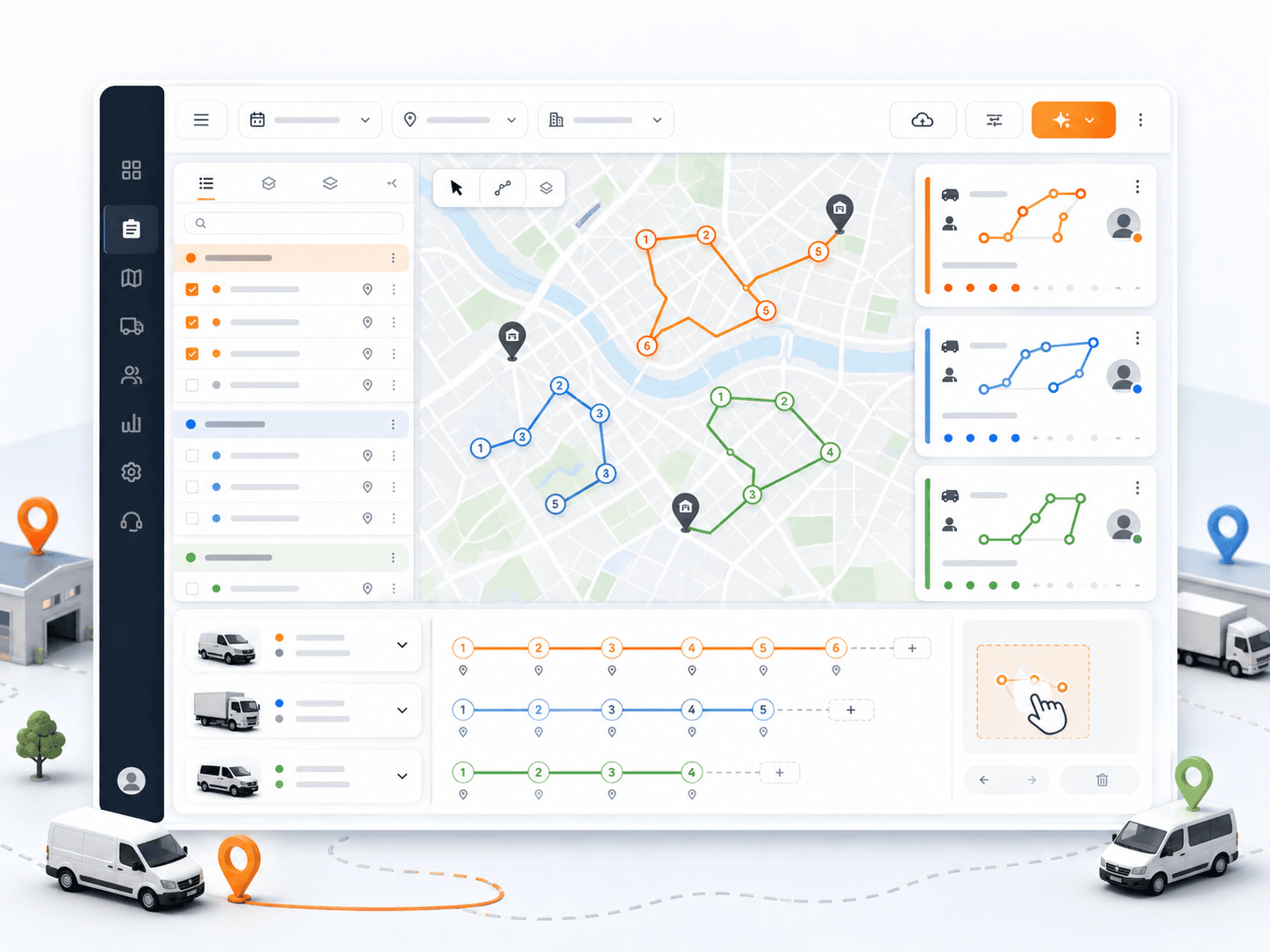
Delivery route planning is the workflow before dispatch: prepare mission data, define resources, optimize, review, adjust, assign, and send work to drivers.
What to understand
Prepare route-ready mission data
- Include customer or recipient name, phone, address, coordinates where available, date, time windows, service duration, demand, priority, and notes.
- For pickup-delivery work, keep pickup and delivery fields separate so the route can respect both stops.
Define operational resources
- Set up branches, depots, active vehicles, drivers, working hours, capacities, skills, and vehicle-driver assignment context.
- Route planning improves when the system knows what each vehicle and driver can realistically handle.
Optimize, review, and adjust
- Let the optimizer sequence work, then review route shape, stop list, outliers, unrealistic durations, missing coordinates, and time window pressure.
- Assign drivers and vehicles, reorder route stops where needed, and monitor active deliveries after dispatch.
Evaluation checklist
Where Rouptimize fits
Rouptimize connects this topic to real route planning, mission management, dispatch, driver mobile workflows, monitoring, proof-code delivery verification, reports, and route-order-credit billing. It should not be described with unsupported claims such as photo proof, customer tracking links, live traffic AI, public API pages, fake savings, or predictive analytics.
FAQ
What is the difference between route planning and dispatch?
Route planning prepares the route plan. Dispatch assigns and releases that work to drivers, then monitors progress and exceptions.
What causes bad delivery route plans?
Common causes include missing coordinates, impossible time windows, ignored capacity, inactive vehicles, missing driver availability, and skipped route review.
Turn this guide into a Rouptimize workflow
Use the related docs and tutorials when your team is ready to move from concept to exact product steps.