01
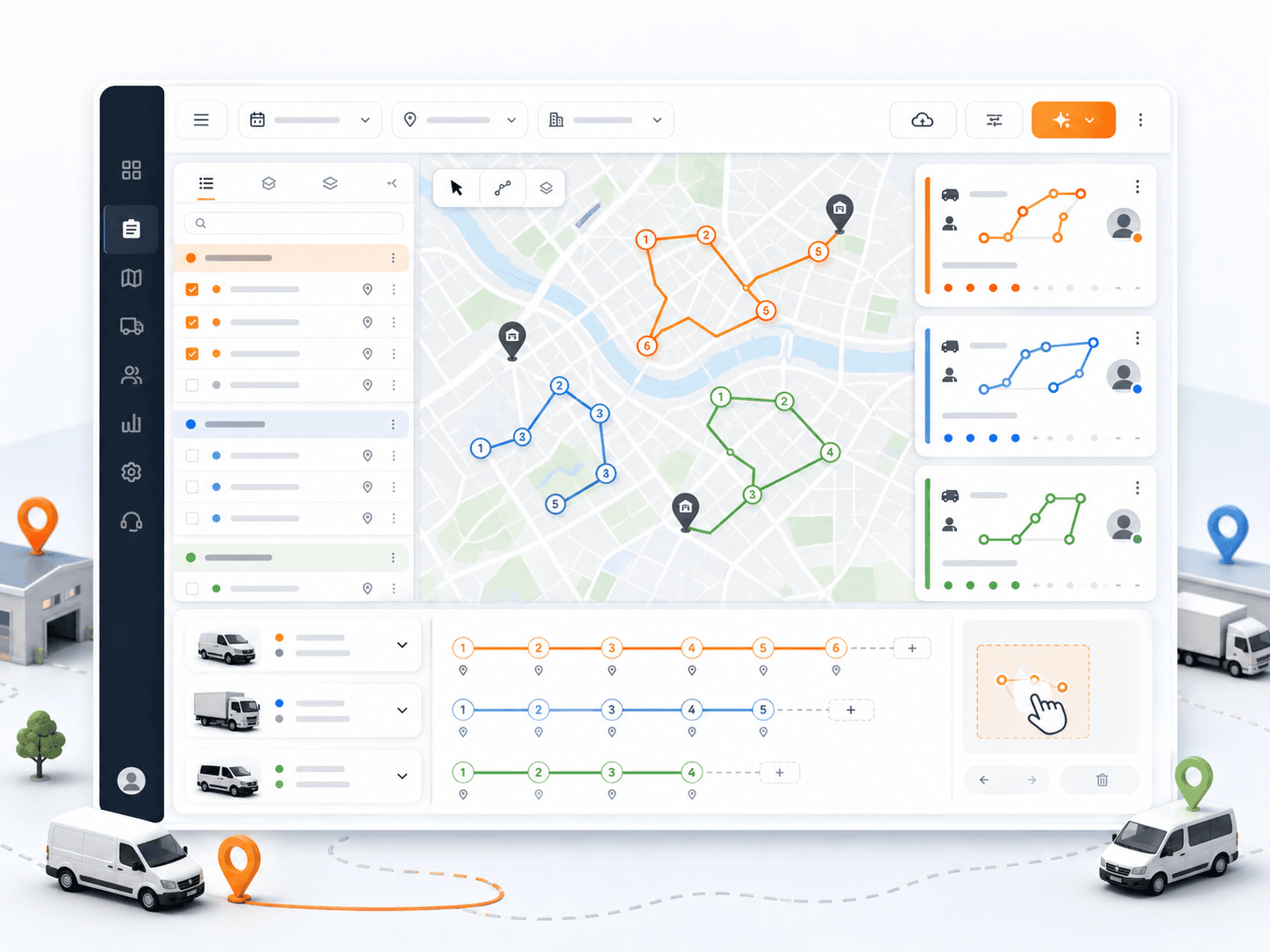
Review route cards, stop order, route geometry, distance, duration, and ETAs.
Step 04
Review route cards, map context, route geometry, stop order, vehicle assignment, driver assignment, and manual changes before sending work to drivers. Dispatchers can reorder stops or adjust assignments when the day changes.
Primary keyword: delivery dispatch workflow
7
workflow steps
3
import formats
200
starter credits
Step outcome
By the end of dispatch, drivers and vehicles are assigned and route work is ready for mobile execution.
01
Review route cards, stop order, route geometry, distance, duration, and ETAs.
02
Assign drivers and vehicles to route work.
03
Move missions or distribute selected work across routes.
04
Reorder stops for manual control.
05
Dispatch assigned work to the driver mobile app.
Related product pages
FAQ
Yes. Dispatchers can review route details, assign drivers and vehicles, move missions, and reorder stops when manual changes are needed.
Dispatchers review route details, driver and vehicle assignments, stop order, and map context before sending work to drivers.
Ready to replace manual routing?
Start with 200 scheduled order credits and test setup, import, optimization, dispatch, monitoring, proof, and reporting in Rouptimize.